Build
Generate and refine a prototype that makes your idea tangible.
Prototype
Introducing prototypr.ai Studio
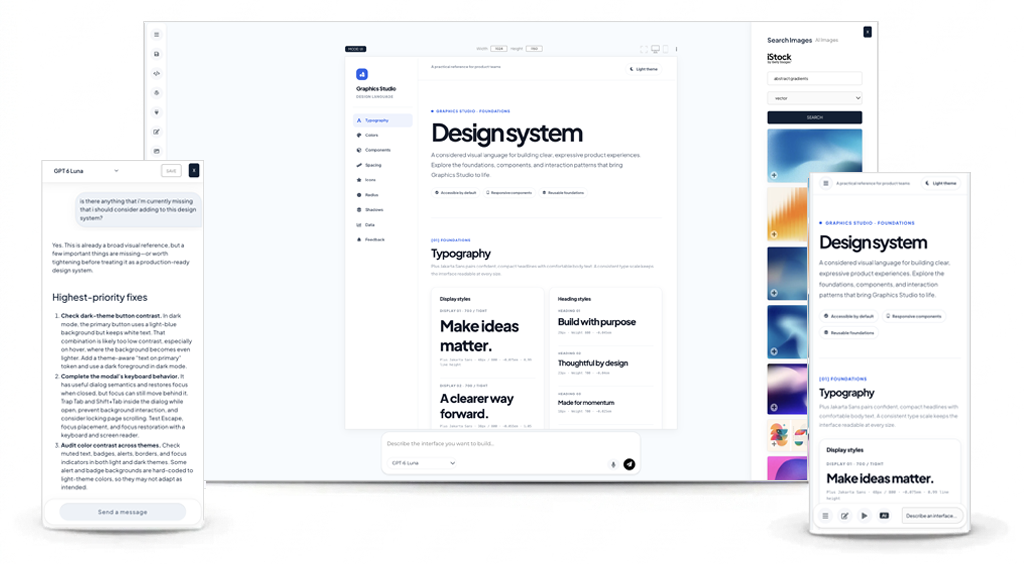
PROTOTYPE WITH FROM THE WORLD'S BEST AI LABS IN ONE PLACE
 Google
 OpenAI
 Anthropic
 Cohere
 Qwen
Qwen
Teams create interfaces in one place, collect feedback in another, and analyze product behavior somewhere else. This separation makes it difficult to connect the evidence and make confident design decisions that improve the user experience.
Bring your design work, user feedback, and product insights together. Build an idea with AI, measure how people respond, and learn what to improve next, all without losing context between each step.
Choose a system that doesn't just build screens, but helps you measure and learn about the impact from what you build.
1,800
tokens/sec with Qwen 3.8 27b
import requests
import os
import json

url = "https://www.prototypr.ai/api/v1/generate/get-ui-data"
payload = {
    "user_id": "your_user_id",
    "workspace_id": "your_workspace_id",
}
headers = {
    "Authorization": "Bearer " + os.getenv("API_KEY"),
    "Content-Type": "application/json",
    "Accept": "application/json"
}

response = requests.post(url, data=json.dumps(payload), headers=headers)
print(response.json())
A huge THANK YOU to the first 10000+ people who signed up to prototypr.ai! Your feedback is sincerely appreciated and helps make prototypr.ai more accessible and better for everyone.

Let's walk through how to explore a design idea in prototypr.ai Studio.
GET STARTED FOR FREEStudio turns your starting point into an editable HTML prototype you can refine and build on. Kickstart your design sprint with:
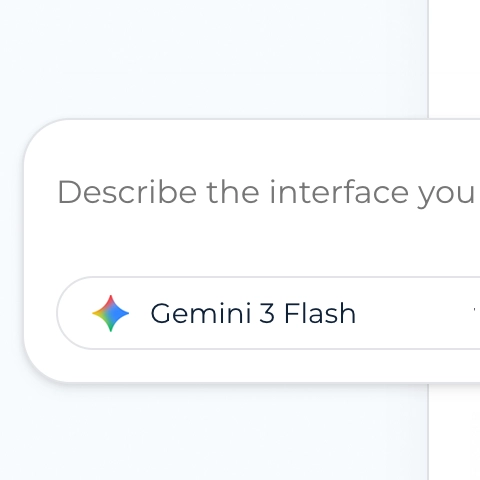
Simply describe the interface you want to build or provide more detail with a design brief.
Use an image as a reference and output an HTML interface you can refine
Load a design system in Studio and align your outputs to a more consistent style.
Remix a template from the community and make it your own.
Upon viewing your concept on screen, explore what feels right and continue to shape the experience around the people who will use it.
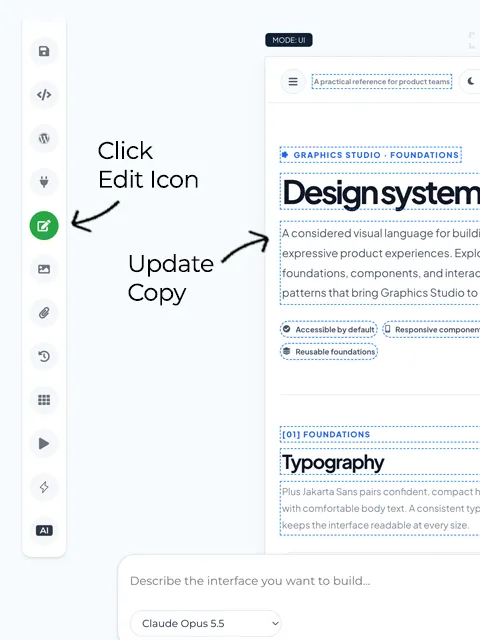
Describe what you want to change, from a specific element to the layout, styling, or overall direction.
Use the edit icon to update headings, labels, and copy directly in Studio.
Open iStock image search and replace placeholders with imagery that fits your design.
Get quick feedback on your interface, explore what might be missing, and discuss ideas for improving the experience.
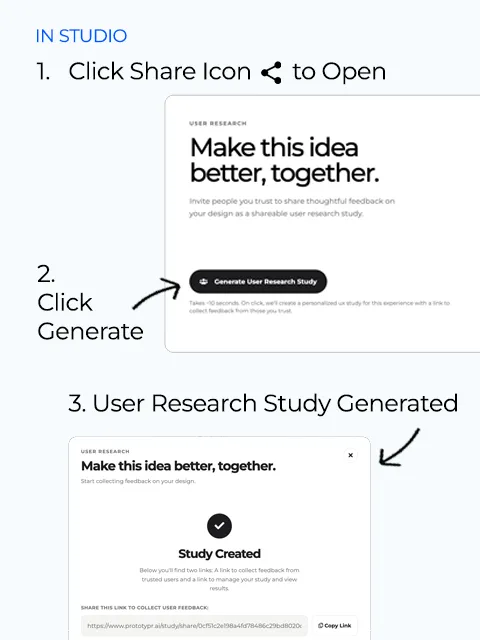
When your design is ready for a first review, create a user research study in a few clicks and share it with peers or potential users. Learn what feels clear, what creates confusion, and what needs another look.
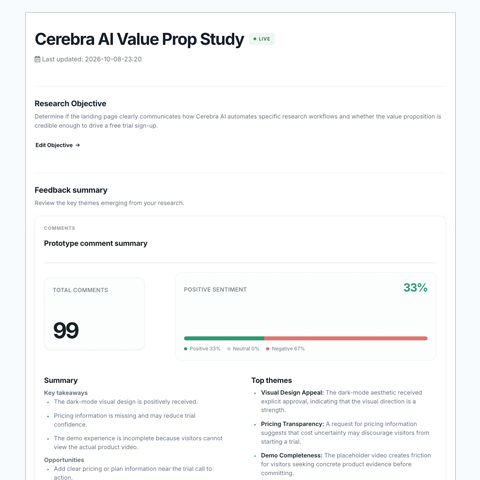
Analyze user feedback to guide your next design iteration. Use AI to help summarize responses, surface recurring themes, and explore priorities. Then bring your findings back into Studio to refine the experience.
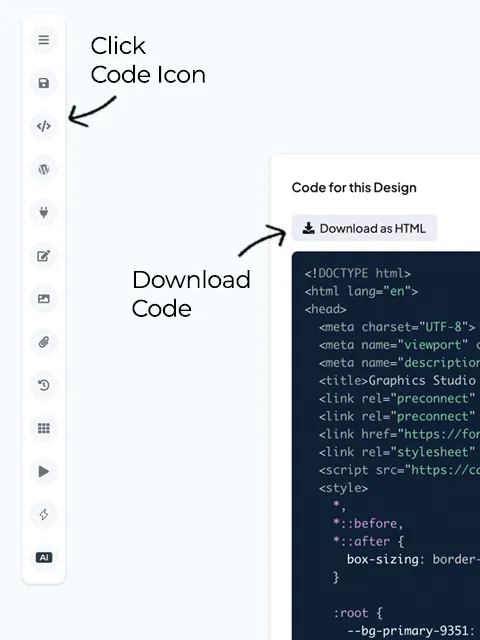
When your design is ready for development, export it into your existing workflow using one of the following options:
Save your UI code and open it in your IDE.
Retrieve your design’s code programmatically.
Hand off your design through supported connections to your development tools.
Create more consistent, branded experiences by combining AI prototyping with design systems
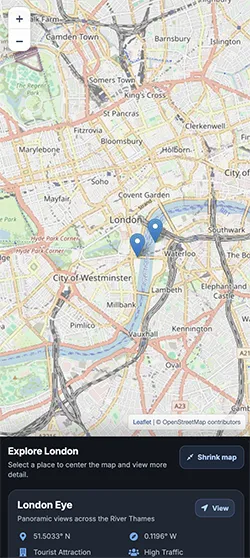
Share your ideas to a growing community library.
EXPLORE COMMUNITY MARKETPLACE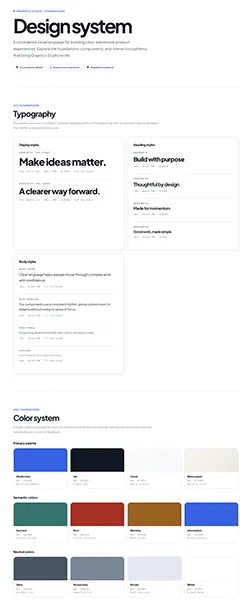


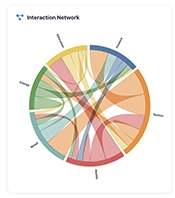
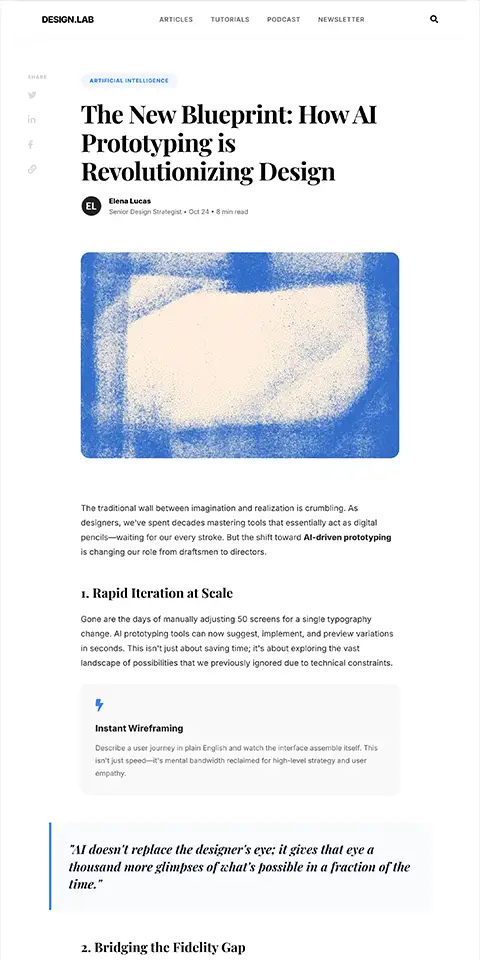
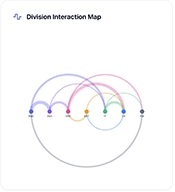
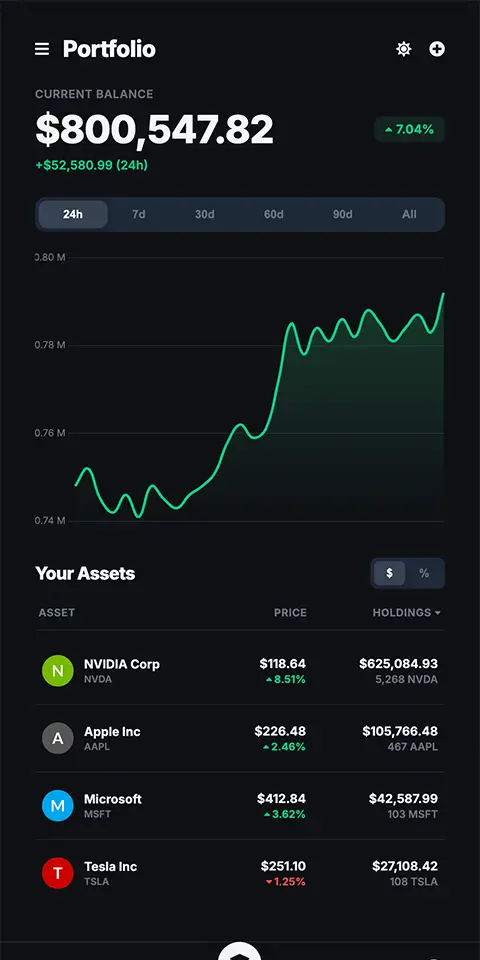
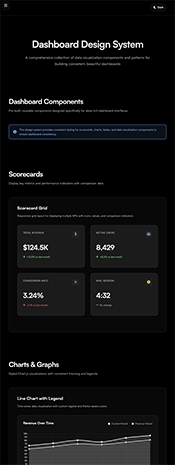
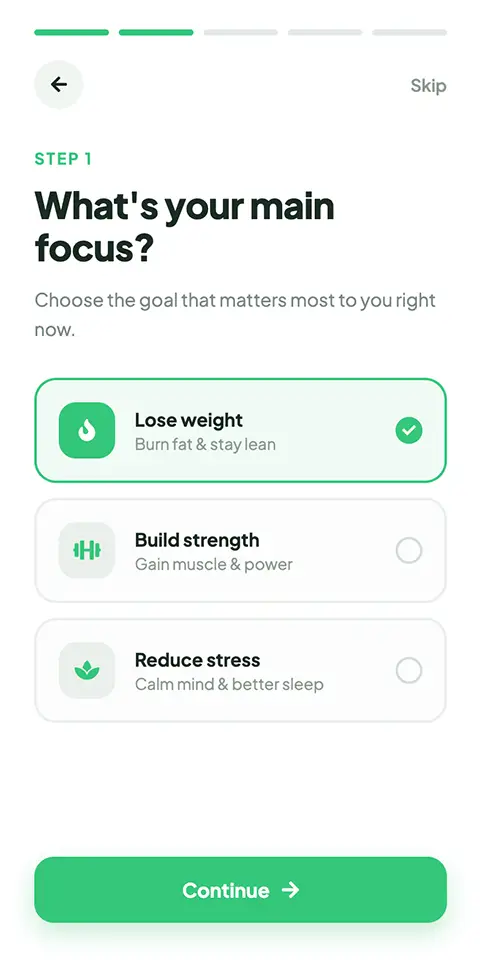
Publish experiences, measure how they perform, and bring product learnings into the tools you already use
Take your design into your WordPress workflow and publish it on your site with our open source MCP server.
Continue your email workflow our open source SendGrid MCP. Generate a design for an email and quickly publish it to Sendgrid for review.

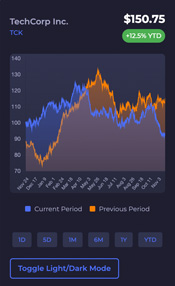
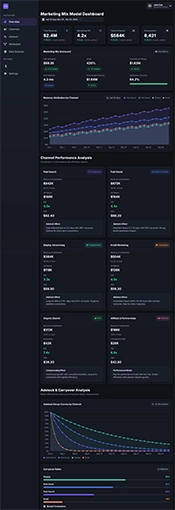
Generate Dashboards to measure your user experience or connect with a fine tuned Google Analytics agent to help query and you analyze your data.
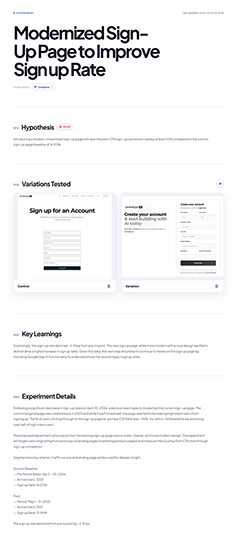
Create experiment plans, access our Experiment Library and bring tested ideas and findings into your existing AI workflows.
Explore practical videos on generating UI, applying design systems, refining your work, and finding the right imagery for your designs.
Learn how to make wireframes with ultrafast models like Gemma 4 on prototypr.ai.
Learn how to use Google Gemini and quickly mockup landing page ideas on mobile.
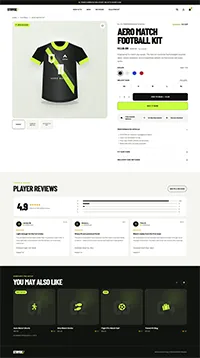
Learn how to quickly generate an ecommerce page and publish it to Wordpress using prototypr.ai and MCP.
See how prototypr.ai uses production-ready design systems and design tokens to generate functional UI prototypes.
In this short demo, walk through a process for how to optimize your user experiences with data.
In this short tutorial, walk through the process for how to build a landing page for an AI Agent.
Random Sample of generations by model
Time to Load: The length of time in seconds it takes for UI to render in protoypr.ai.
Source: Google Analytics, prototypr.ai
Bring your idea to life with prototypr.ai Studio.
START PROTOTYPING WITH AI TODAYRead tactical lessons on data analysis, conversion design, and product validation directly from our building team.
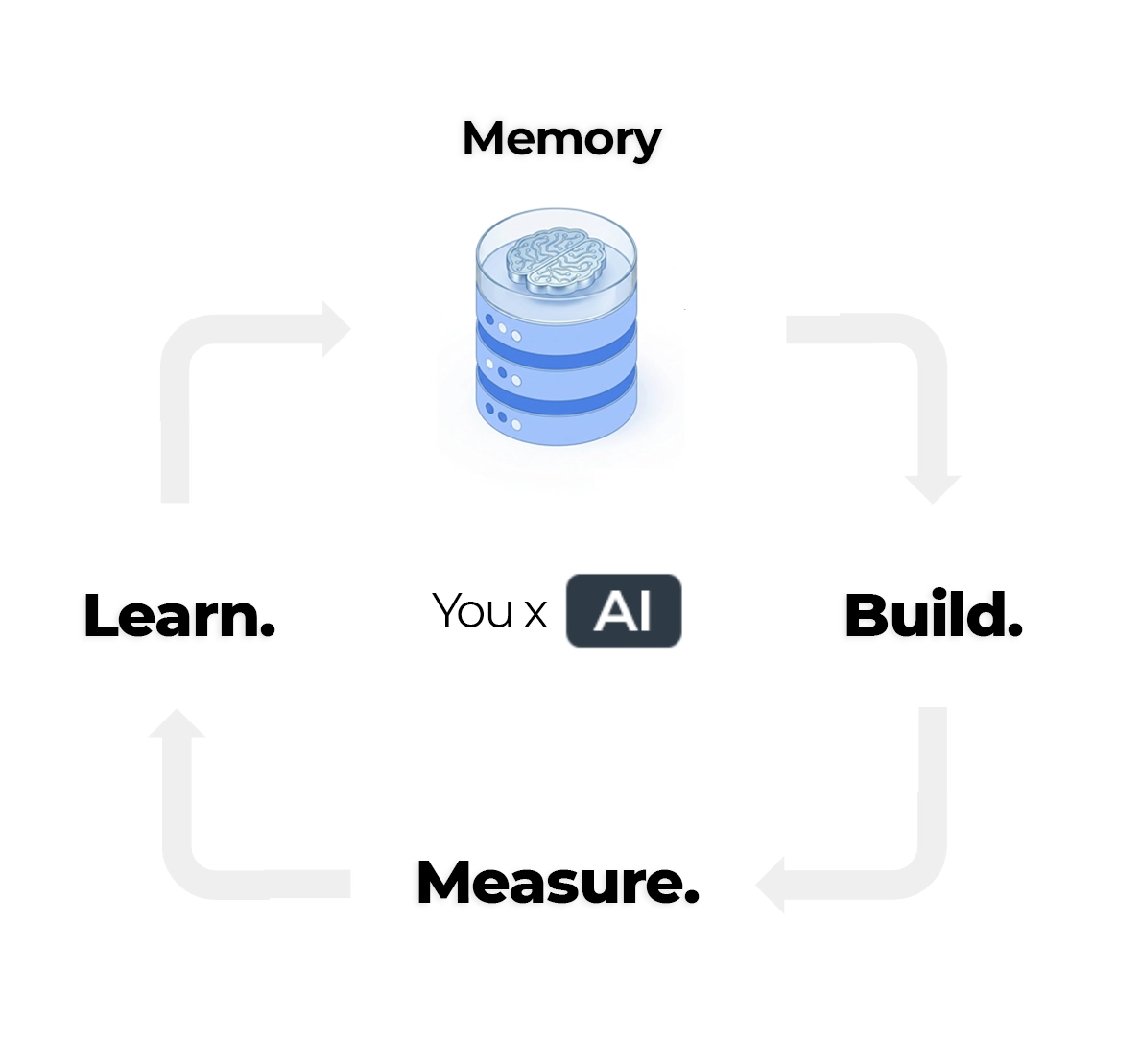
Let's build the foundation of your AI knowledge base around five core inputs: conversations, analytics, experiments, user experiences, and user feedback.
Read article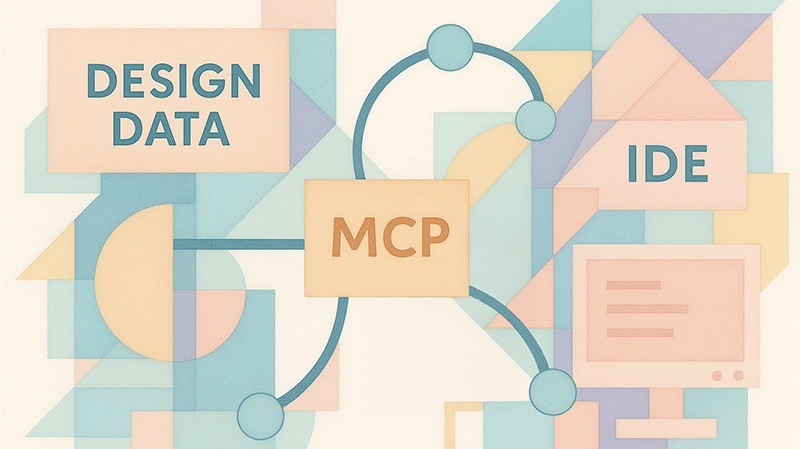
Get started with building a simple MCP server that can act as a bridge between systems. Create a pure python MCP server built on top of Flask and learn how you can modify it for your own purposes. Code included.
Read article
Go beyond prompt engineering and discover how the FACT framework helps you structure data context for smarter, more capable data agents. With practical examples and code.
Read articleEverything you need to know about Generating UI with AI
Use AI to generate and edit user interfaces such as landing pages, app experiences, dashboards, and user flows. Start with a natural-language prompt or, where available, import a community design and adapt it to your idea.
Yes. Continue refining your design with natural-language instructions, update imagery, and ask the AI assistant for feedback or ideas to explore. You can also use design-system context to help guide the visual direction and consistency of your work.
Create a user research study from your design and share it with peers or potential users. Review their responses to learn what is clear, what creates friction, and what you may want to improve. You invite participants; Prototypr.ai does not automatically recruit them for you.
Studio supports ways to take your work into a development workflow, including file export and supported API or MCP handoffs. Available options depend on the tool and integration you use.
Yes. You can connect supported analytics sources, such as Google Analytics, to explore how people use a live experience. Connecting analytics is an optional step after prototyping; it is not required to create or edit a design.
Free credits are available to try Studio. Check the current plan details for usage limits and the features included with each membership.
Try the AI research platform that helps people bring their ideas to life and validate whether it works.