
Prototypr.ai MCP Documentation
Welcome to the prototypr.ai MCP docs! This section will provide you with in depth information and guidance about how to use the new prototypr.ai MCP server.
Table of Contents
This section will cover the following:
What is Model Context Protocol?
Model Context Protocol (MCP) establishes an open standard for connecting applications with Large Language Models (LLMs). It provides a consistent way for software to surface functionality and context as structured tools, enabling LLMs to move beyond static responses and engage directly with application workflows.
By aligning on MCP, developers can ensure their tools are broadly compatible with AI assistants across different platforms without requiring vendor-specific integrations.
If you would like to learn more about MCP, the benefits, and how MCP servers are different from a traditional API, please check out our detailed guide: How to Build an MCP Server.
What is the prototypr.ai MCP Server?
The prototypr.ai MCP Server is a premium feature currently in Beta and free to try for developers. The tools are currently focused on helping you search and import designs directly in your code editor. There are currently four tools available:
-
search_workspace_designs
Search for designs in your prototypr.ai workspace and return a list of designs by id.
-
get_code_for_workspace_design
Import Code from your prototypr.ai workspace for a particular design by id.
-
search_community_marketplace_designs
Search for designs in the prototoypr.ai community marketplace.
-
get_code_for_marketplace_design
Import Code for a particular design from the community marketplace by id.
More MCP Tools are coming soon!
How to install prototypr.ai MCP Tools
Let's walkthrough how to integrate prototypr.ai's MCP tools with your MCP client. First, you need to login and navigate to /home > /api-keys and generate a prototypr.ai API Key.
Add the following object to your client's mcp.json file:
{
  "mcpServers": {
    "prototypr": {
      "url": "https://www.prototypr.ai/mcp",
      "displayName": "Prototypr AI",
      "description": "Prototypr.ai research platform.",
      "icon": "https://www.prototypr.ai/static/img/ai_icon_32x32.png",
      "headers": {
        "Authorization": "Bearer INSERT_PROTOTYPR_AI_API_KEY",
        "X-User-Id": "INSERT_USER_ID",
        "X-Workspace-Id": "INSERT_WORKSPACE_ID"
      },
      "transport": "stdio"
    }
  }
}
Prototypr.ai Cursor Integration
Alternatively, click the "Add To Cursor" button on your /api-keys page. This triggers a deeplink into Cursor for instant installation.

Google Analytics MCP Agent
prototypr.ai has also created a custom Google Analytics agent that is integrated into its own MCP Server, based off our fine-tuned GA4 GPT Agent.
{
  "mcpServers": {
    "ga4_agent": {
      "url": "https://www.prototypr.ai/mcp/agents/ga4",
      "displayName": "Google Analytics Agent",
      "headers": {
        "Authorization": "Bearer INSERT_PROTOTYPR_AI_API_KEY",
        "X-User-Id": "INSERT_USER_ID",
        "X-Workspace-Id": "INSERT_WORKSPACE_ID"
      },
      "transport": "stdio"
    }
  }
}
MCP Guides
If you are interested in building your own MCP server in python, check out our handy post to help you get started.
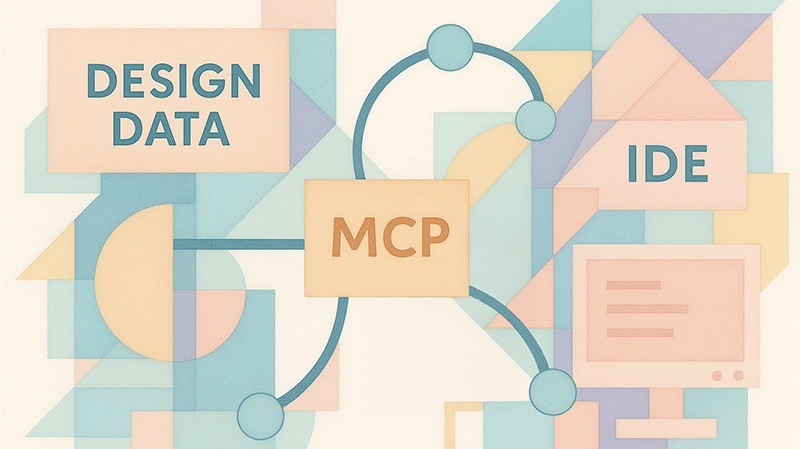
How to Build a MCP Server - A Practical Guide
Get started with building a simple MCP server in python that acts as a bridge between systems.
MCP FAQ
Currently, access to prototypr.ai MCP is limited to Plus & Pro members. Plus memberships is priced at $29/month.
As part of the free trial, you get 5 requests to search or import code from your AI Workspace or the marketplace. Upgrading to Plus removes these limits.
To cover the costs of serving leading LLMs such as ChatGPT and Google Gemini, we charge for MCP access. This supports bringing you great new tools.