GA4 Dashboard Generation
Generate Google Analytics dashboards with AI using natural language and build reports around the questions your team needs to answer.
How Teams Benefit from GA4 x AI
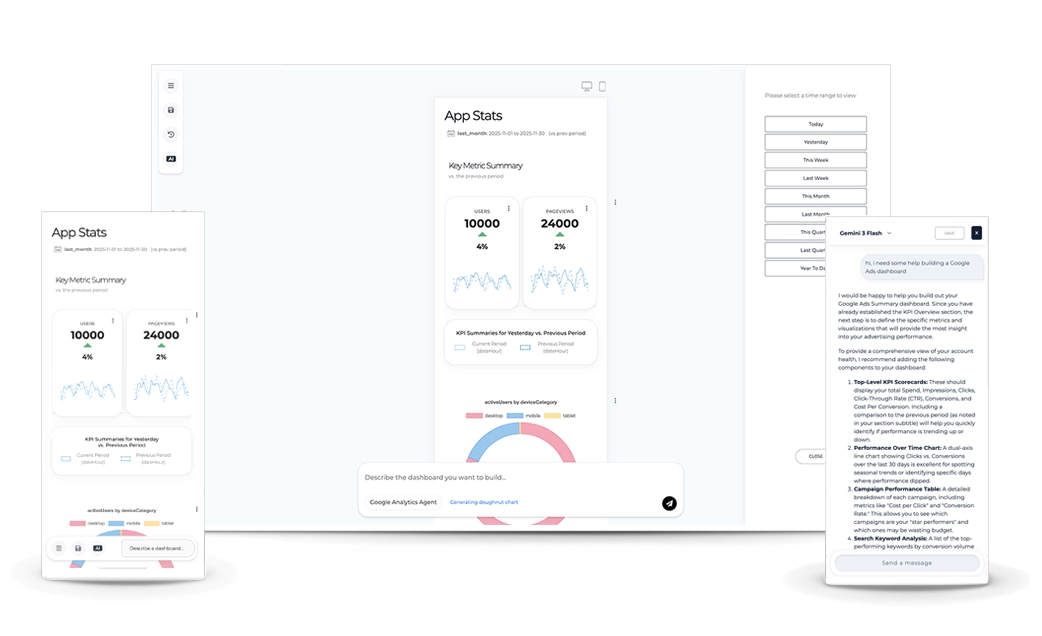
Generate dashboards with AI and use integrated chat to summarize trends, identify what’s driving change, explore performance, and decide what to do next.
PROTOTYPR.AI INTEGRATES WITH MCP & DATA CONNECTORS SUCH AS:
 MCP
MCP
 Google Analytics
 BigQuery
 Search Console
 Sendgrid
 Stripe
Dashboard AI helps you generate Google Analytics dashboards for campaigns and digital products, then use AI Chat to turn performance data into faster, clearer insight.
3 ways to unlock faster insights and drive smarter decisions with data
Generate Google Analytics dashboards with AI using natural language and build reports around the questions your team needs to answer.
How Teams Benefit from GA4 x AICreate high-fidelity dashboard mockups with AI and start aligning on reporting objectives before data engineering begins.
Benefits of Prototyping DashboardsUse AI Chat to summarize trends, pull in data from other sources with MCP and better understand what's driving change in your KPI.
Insights from Building Dashboard ChatAfter connecting Google Analytics via MCP, prototypr.ai creator Gareth Cull collaborated with the AI Analytics Agent to analyze onboarding drop‑offs, identify activation friction, and redesign the experience — increasing Day 1 retention by 53%, from 12.18% to 18.69%.
“When your AI understands your product data, growth decisions become clearer, faster, and compounding.”
Partner directly with the creator of prototypr.ai, Gareth Cull, to setup your AI Analytics implementation, connect data sources with MCP and start building a data-driven test and learn culture at your company.

A custom data solution by our Analytics team for your Analytics team.
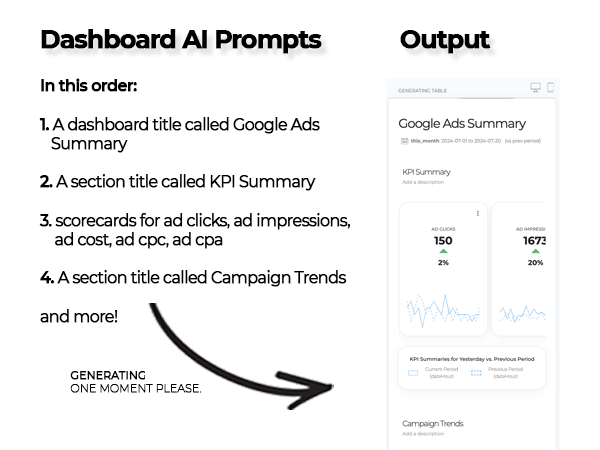
Built on top of the Google Analytics API and a finely tuned large language model, this AI dashboard experience helps teams turn queries into working dashboards fast so you can quickly understand your site's performance.
Surface insights and opportunities in your data with a click and use that information to form hypotheses to improve your product.
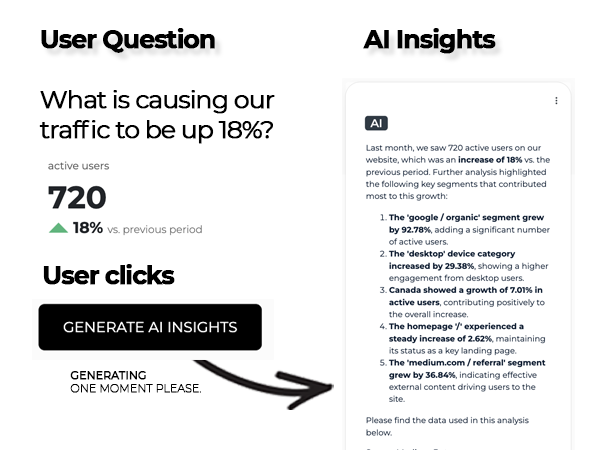
prototypr.ai fine tuned a leading LLM on Google Analytics API Queries, paired with their equivalent natural language questions. This opens up interesting opportunities to explore your data, spot trends, summarize dashboards and make it easier to take action.
Simply point the agent towards your webpage and watch it build high quality Google Analytics requirements that your data team can use.
Login and Connect your Google Analytics account to your prototypr.ai workspace and instantly unlock reports across acquisition, engagement, retention, and monetization. Have Search Console or Google Ads connected to GA? Unlock those too.
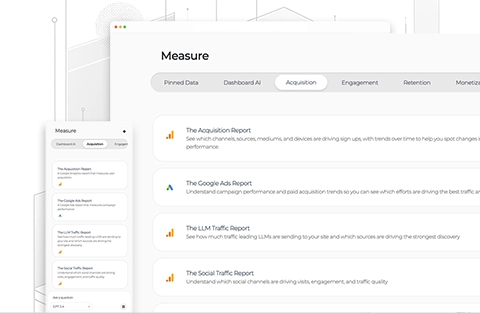
Build custom dashboards that you can own using community templates. Ideal for those data makers who love building with data and AI.
VIEW MORE DASHBOARD TEMPLATES IN THE MARKETPLACE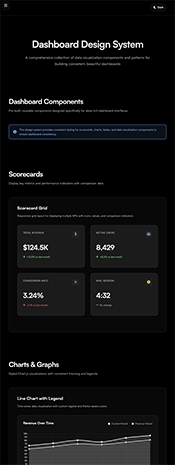
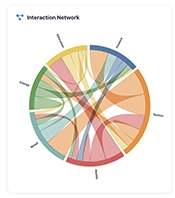
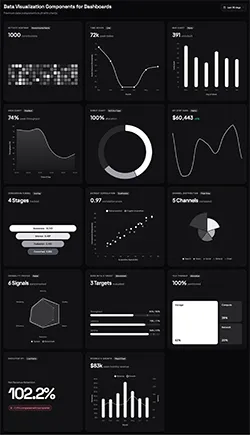
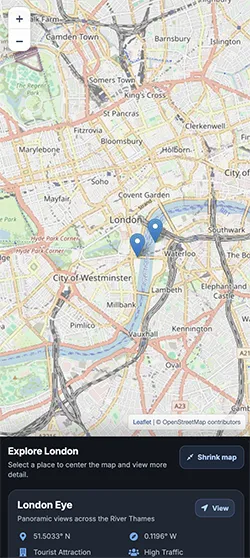
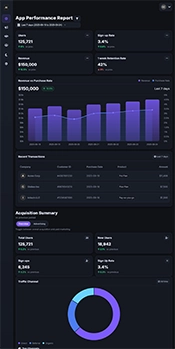
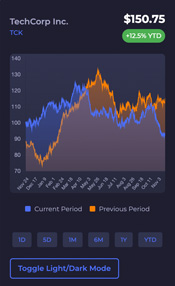
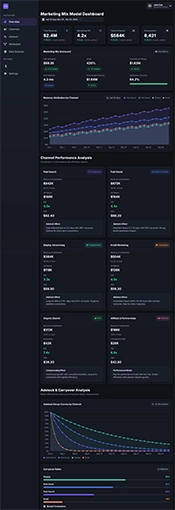
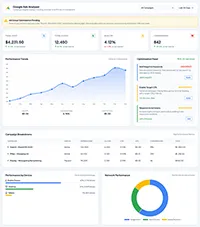
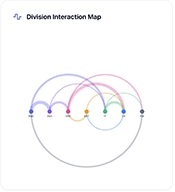
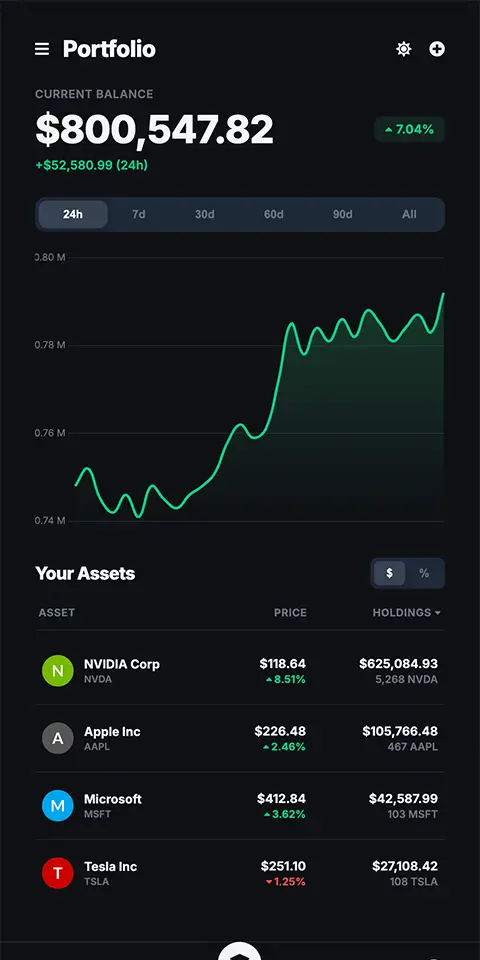
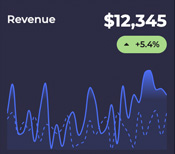
Insights from a team that builds custom data tools and reporting with AI
Instead of debating reporting ideas in slides or meetings, give stakeholders a dashboard they can react to immediately. AI-generated prototypes make proposed metrics, layouts, and reporting concepts easier to understand, which in turn helps product, design, and data teams to reach alignment faster.

Upload a whiteboard photo, napkin sketch, or rough screenshot and generate a high-fidelity dashboard with clean, editable HTML. Compress early exploration and developer handoff into a faster workflow, giving your team a stronger starting point for refinement and implementation.
Most data teams do not have the time or resources to create a complete dashboard design system from scratch. Use shared components, patterns, and visual guidance to speed up design and development while producing more consistent, professional experiences across every dashboard.
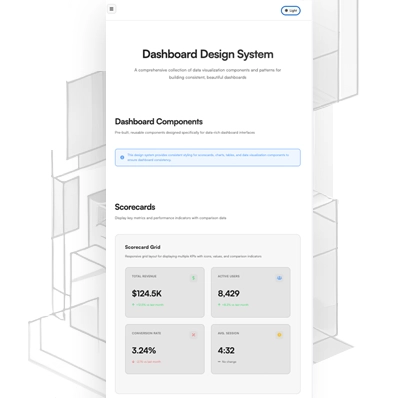
Build stronger alignment with your team with a dashboard prototype.
START PROTOTYPING WITH AI TODAYA useful dashboard often leads to another question. Here’s how built-in AI Chat, connected data, and product context help teams investigate it.
01Start with the signal
A well designed dashboard shouldn't try to answer every question, but should spur you to ask the next one. For example, what's causing this KPI to move up or down? How much would we improve customer retention if we made this change?
Questions like these often lead to interesting hypotheses you can test. Which is why having AI Chat proves so invaluable alongside a dashboard view. By adding AI Chat into a dashboard, you can help end users refine their thinking, challenge assumptions or help them take that next step.
Understand that reviewing the dashboard is just step one. AI Chat can help your stakeholders unlock what's next.
02Follow the question
More often than not, you'll ask a question a dashboard can't answer. And instead of spending time hunting down the next dashboard that can answer it, why not give AI the ability to help answer that for you.
This is where MCP (or model context protocol) comes in. Think of MCP as an easy way to connect AI to data. Once connected in AI Chat, you don't need to hunt for that other dashboard to answer your question. You can stay in flow and ask your question right there.
So, your next step as designer of reporting experiences, should be to identify all of the data sources your stakeholders may need and unlock that value through MCP and AI Chat.
03Interpret with context
Being data people, we tend to lean on quantitative data a lot. It's everywhere. But what about qualitative information? Bring the quant and the qual together for richer conversations with your agents.
Giving an agent the ability to understand what an experience looks like, or product feedback from a survey can lead to far more interesting insights that have the potential to unlock something meaningful to explore.
So don't just think your data agent needs only numbers, give your agent access to the decisions that lead to an experience being built. Whether that's an experiment plan or an early mockup, the richer the context you give your agent, the richer your conversations will be.
MCP
Google Analytics
BigQuery
Search Console
Sendgrid
Stripe
Read tactical lessons on data analysis, conversion design, and product validation directly from our building team.
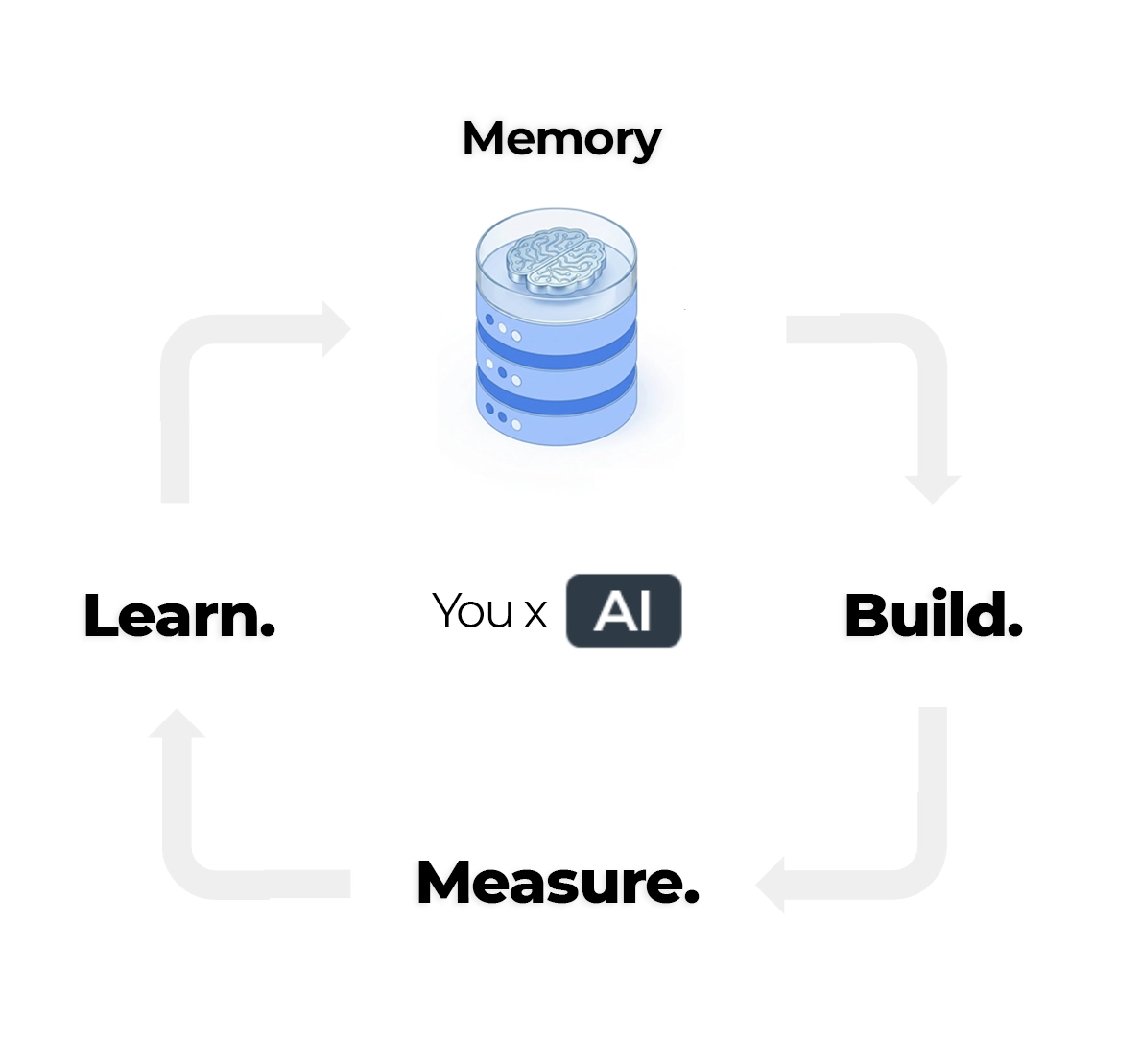
Let's build the foundation of your AI knowledge base around five core inputs: conversations, analytics, experiments, user experiences, and user feedback.
Read article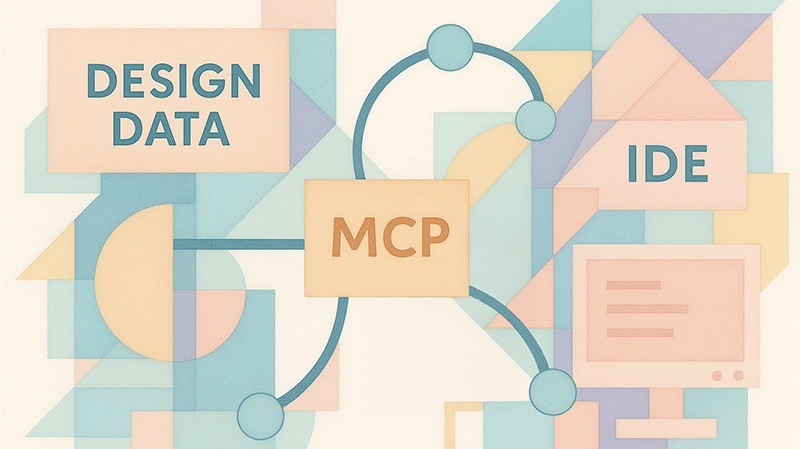
Get started with building a simple MCP server that can act as a bridge between systems. Create a pure python MCP server built on top of Flask and learn how you can modify it for your own purposes. Code included.
Read article
Go beyond prompt engineering and discover how the FACT framework helps you structure data context for smarter, more capable data agents. With practical examples and code.
Read articlePractical answers about creating dashboard prototypes, connecting real data, and exploring results with AI.
An AI dashboard uses artificial intelligence to help people create, explore, or understand visual reports and data. Depending on the tool, AI may help generate charts from a natural-language request, summarize performance, or answer follow-up questions about the data.
Some AI dashboards are prototypes used to plan a reporting experience. Others connect to live data so teams can monitor performance and investigate what is changing. prototypr.ai gives you access to both of these capabilities.
Dashboard AI is a suite of AI-powered dashboard experiences inside prototypr.ai. It includes tools to generate dashboards from Google Analytics data, create editable dashboard mockups from prompts or visual references, and explore dashboards with built-in AI Chat.
Its goal is to help teams move from a reporting question to something they can use: a dashboard to investigate real performance, or a prototype they can review with stakeholders and refine before building.
The first thing you need to do is connect your Google Analytics account to your prototypr.ai workspace. Once connected, you can open up the AI dashboard generator from the workspace and start describing the report you the report you want to build. For example, you might ask for a scorecard of active users or a table showing users by source and medium. Dashboard AI uses the connected data to build reporting components around your question, powered by a fine tuned GPT model.
If you'd like to see a quick demo video about how this works, pls checkout the following link: Google Analytics AI dashboard generation demo .
MCP connects Dashboard AI to supported data sources. Once a source is connected, you can use AI Chat to ask follow-up questions about that data while exploring a dashboard.
Our custom integrations also use supported connections to power customer lifecycle reports. These give you a consistent place to review performance across categories such as acquisition, engagement, retention and monetization. Available reports and chat capabilities depend on the data connector. For more information, please explore our MCP tools and data connectors page.
If you need assistance setting up your own MCP data connector, please reach out to customer support in the app.
You can get started by exploring templates and creating dashboard mockups with the usage credits (inference) included in the free account. Connecting business data and accessing premium reporting capabilities currently requires a paid membership.
See the current plan details in the app for usage allowances and the capabilities included in each tier.
Exporting a dashboard prototype is easy when you use our Studio tool. After you have generated a new dashboard prototype, simply click on the icon, which opens up the code for your report. Click the Copy cta to copy the code to your clipboard or click on the Export as HTML button to download a copy of the dashboard as an HTML file.